How to Fix Common MemcardRex Errors
Most MemcardRex problems fall into a few groups: the program will not start, a card reader is not found, a card opens with garbage, or a save will not work in its game. Each has a clear cause. This guide goes through them in order, with the fix and a quick way to confirm it worked, plus Linux-specific issues.
 MemcardRex.com Editorial TeamIndependent MemcardRex guides
Updated Published 3 min read
MemcardRex.com Editorial TeamIndependent MemcardRex guides
Updated Published 3 min read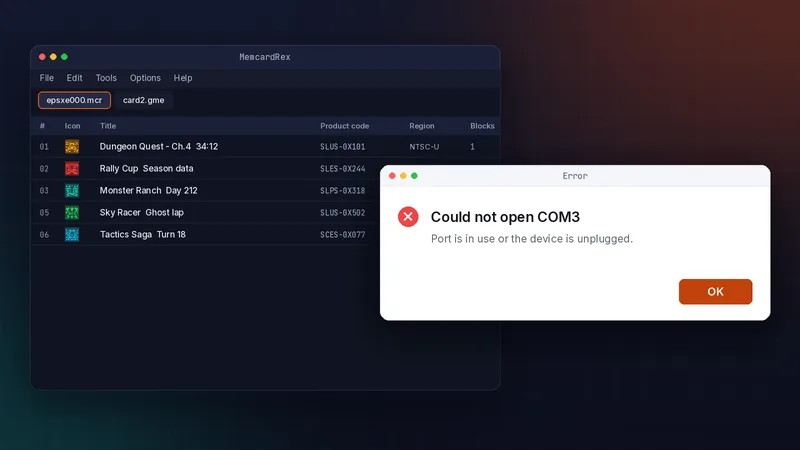
MemcardRex will not start
Missing .NET 8 runtime
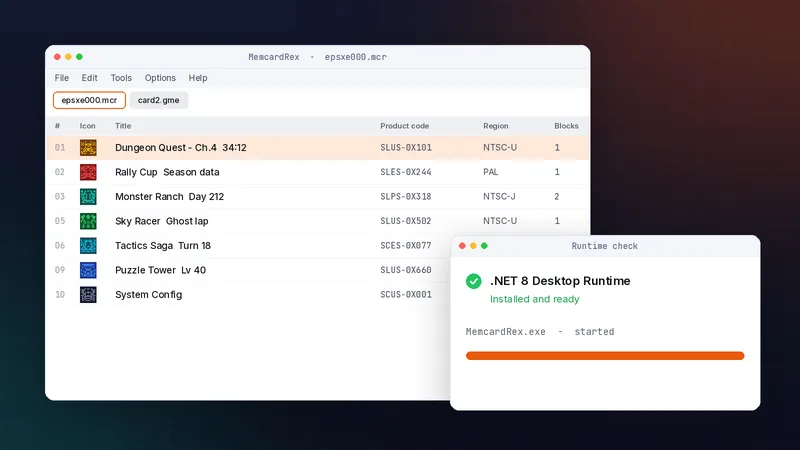
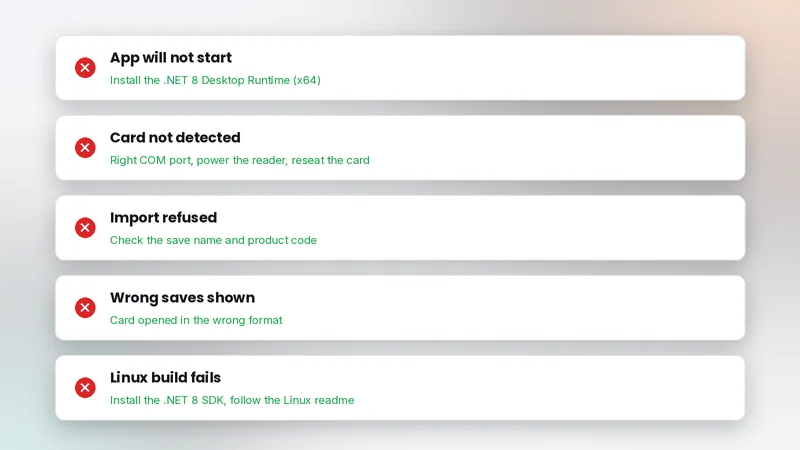
Current builds need .NET 8. Install the x64 .NET 8 Desktop Runtime from Microsoft, then start MemcardRex again. This fixes most startup failures. Installing the plain .NET Runtime or the ASP.NET Core Runtime instead of the Desktop Runtime is a common mix-up; only the Desktop Runtime includes the libraries a Windows desktop app needs.
Blocked by Windows
If SmartScreen blocks the program, confirm it came from the GitHub release, then choose More info and Run anyway. Move it out of Program Files if settings do not save.
Card reader problems
COM port in use or wrong
"Could not open COM3" usually means another program holds the port or the number is wrong. Close other serial tools, check the port in Device Manager, and set it again in Options, then Preferences. Arduino software, terminal programs and some 3D printer tools keep serial ports open in the background, so close them before reading a card.
Card not detected
Reseat the card and connect the DexDrive's power cord. If a DexDrive stops responding, unplug power and its cable, then reconnect everything, as the README suggests.
Garbled or empty cards
Wrong format
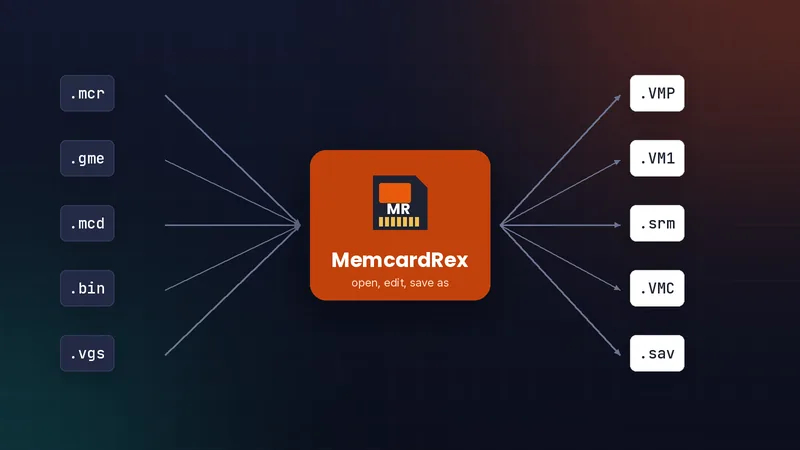
A card opened as the wrong type shows empty slots or nonsense. Open it with its real extension; raw 128 KB files are normally .mcr. File size is a good clue: raw cards are exactly 128 KB, while formats with headers are slightly larger. If an unknown file is exactly 131,072 bytes, try opening it as a raw card first.
Renamed files
A .gme renamed to .mcr still has its DexDrive header. Open it as .gme, then convert with Save As, as shown in converting card formats.
Saves that do not work in game
Region mismatch
Games look for their own product code. A PAL save will not appear in an NTSC-U game, and the reverse. Use a save that matches your disc. The product code is shown in MemcardRex's save list, so you can compare it with the code printed on your disc or shown by your emulator before importing.
Not enough free blocks
Pasting fails when the destination card lacks free blocks. Delete or move other saves to make room.
Linux and macOS issues
Building on Linux
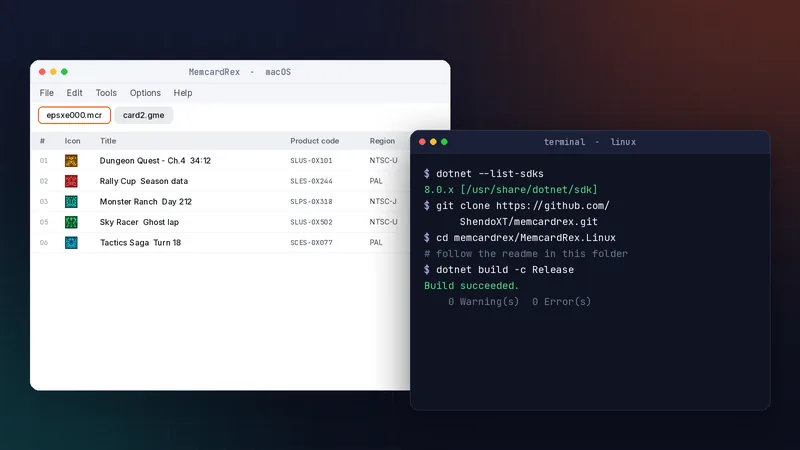
The Linux version is beta. Install the .NET 8 SDK and follow the readme in the MemcardRex.Linux folder. See MemcardRex on macOS and Linux.
Serial permissions
If a reader works only with sudo, add your user to the dialout group and log in again.
When nothing works
Test with a clean card
Create a new empty card and copy one save into it. If that works, the original card file is probably damaged. In that case copy the saves that still open into a fresh card, one by one, and keep the damaged file untouched in case another tool can recover more.
Check the issue tracker
The GitHub issue tracker stays readable after archiving and often has answers to unusual problems. Our troubleshooting page lists more fixes.
Frequently asked questions
Why does MemcardRex close straight after opening?
The .NET 8 Desktop Runtime is most likely missing. Install the x64 version from Microsoft and try again.
Why are all slots empty when I open my card?
The card was probably opened in the wrong format, or the file was renamed from another format. Open it with its real extension.
Can a damaged card file be repaired?
Sometimes individual saves can be copied out of a partly damaged card. Always work on a copy of the file.
Written and checked by the MemcardRex.com Editorial Team against the latest MemcardRex builds and the project README on GitHub. MemcardRex.com is independent from the MemcardRex developers.