MemcardRex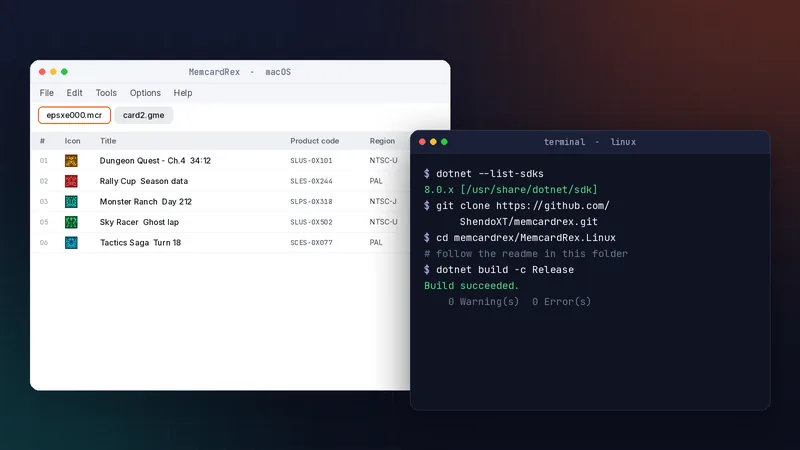
Getting started
MemcardRex on macOS and Linux: Complete Guide
Run the official macOS build, build the Linux beta with .NET 8, and set up card readers on both.
Installation, format conversion, save transfers, real memory card hardware and troubleshooting for PS1 saves.
Run the official macOS build, build the Linux beta with .NET 8, and set up card readers on both.
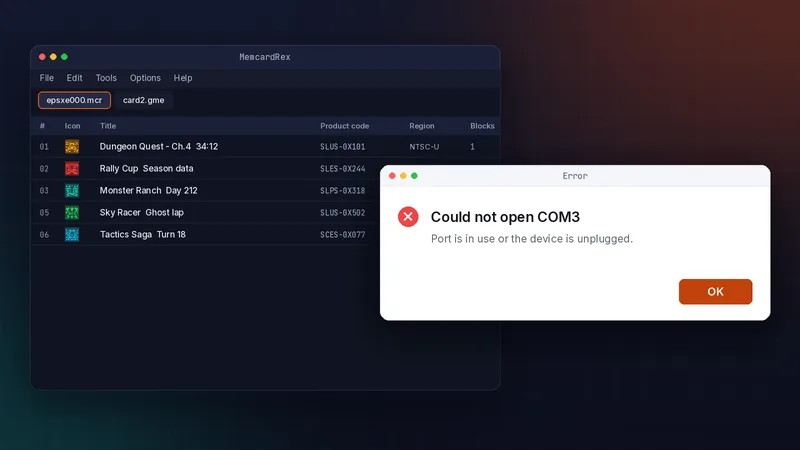
Fix startup failures, COM port errors, undetected cards, garbled saves and refused imports.
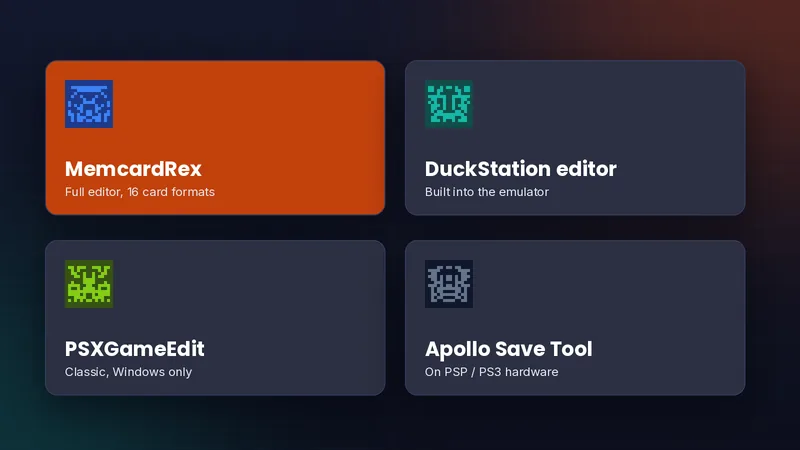
How MemcardRex compares with DuckStation's editor, PSXGameEdit and Apollo Save Tool, and which to choose.
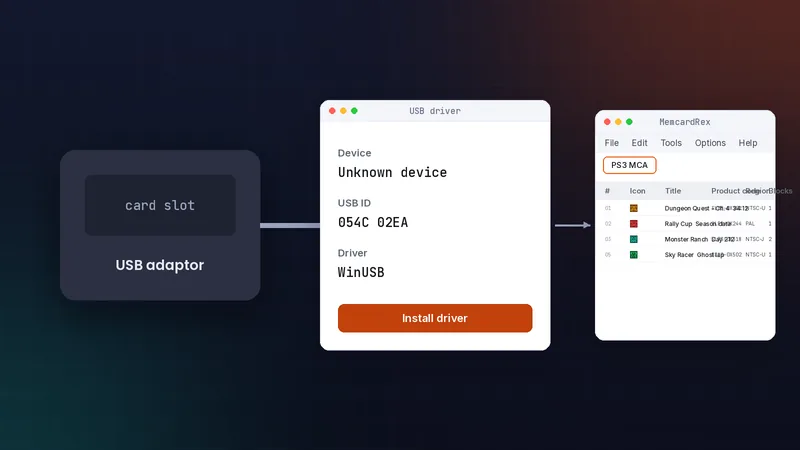
Install a WinUSB driver for Sony's USB adaptor and read PS1 cards on your PC.
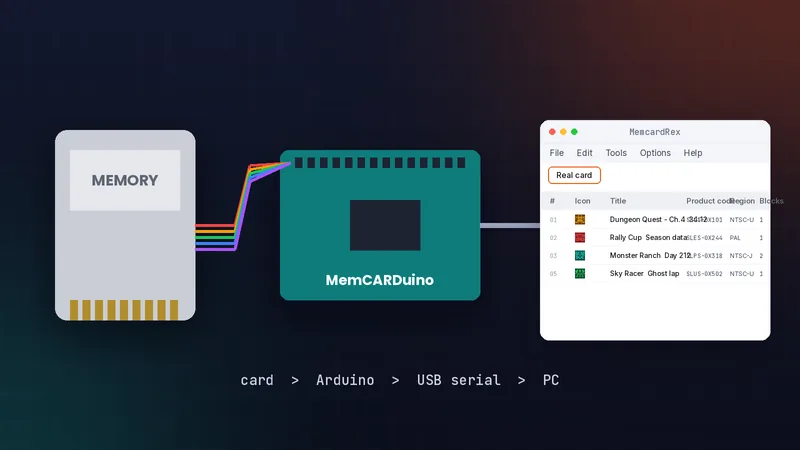
Use a DexDrive, MemCARDuino, PS1CardLink or Unirom to back up original memory cards before they fail.
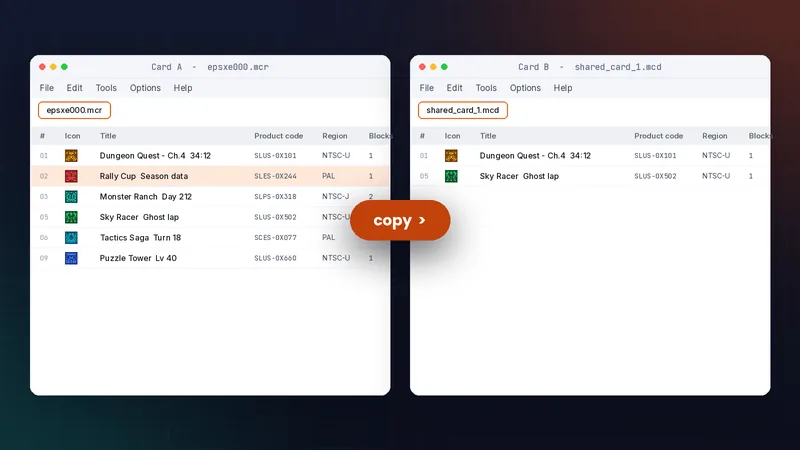
Find each emulator's card, copy only the saves you want, and keep both cards working.
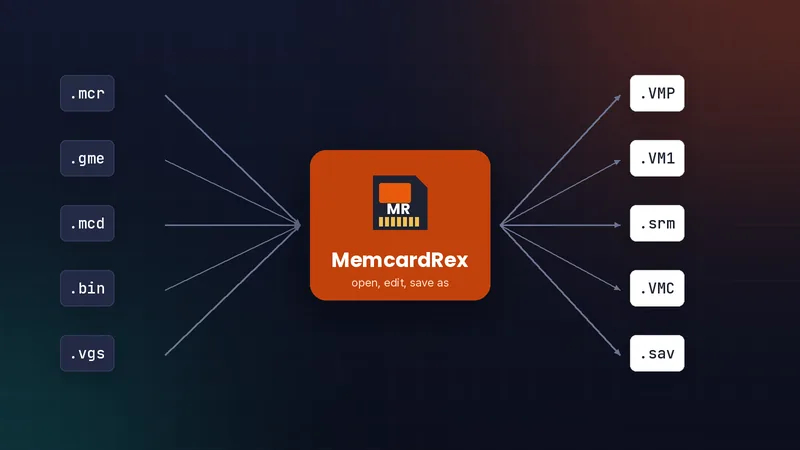
Turn one card file into another, from ePSXe .mcr to PSP .VMP, PS3 .VM1 or RetroArch .srm, using Save As.
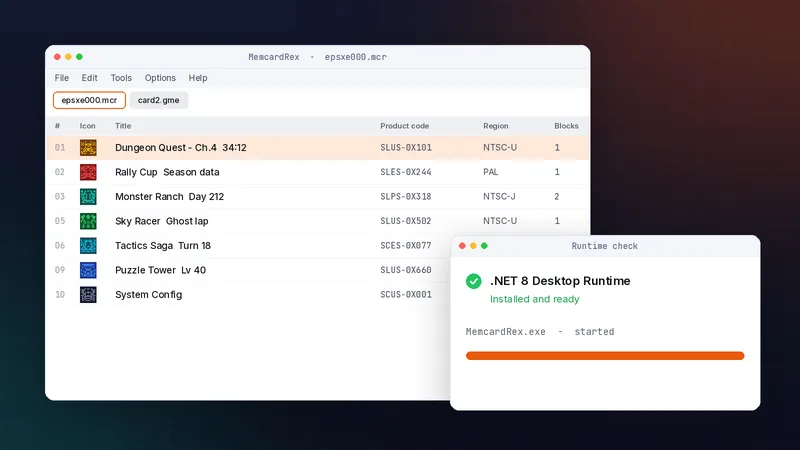
Install the .NET 8 runtime, download the official build, and open your first PS1 memory card in about five minutes.